Turn one sentence into an animated film.Right in your browser.
Describe a story, a lesson or an ad. The Animator writes it, designs it, voices it and animates it. Already use ChatGPT or Claude? Connect it and use AnimaGuru for free.
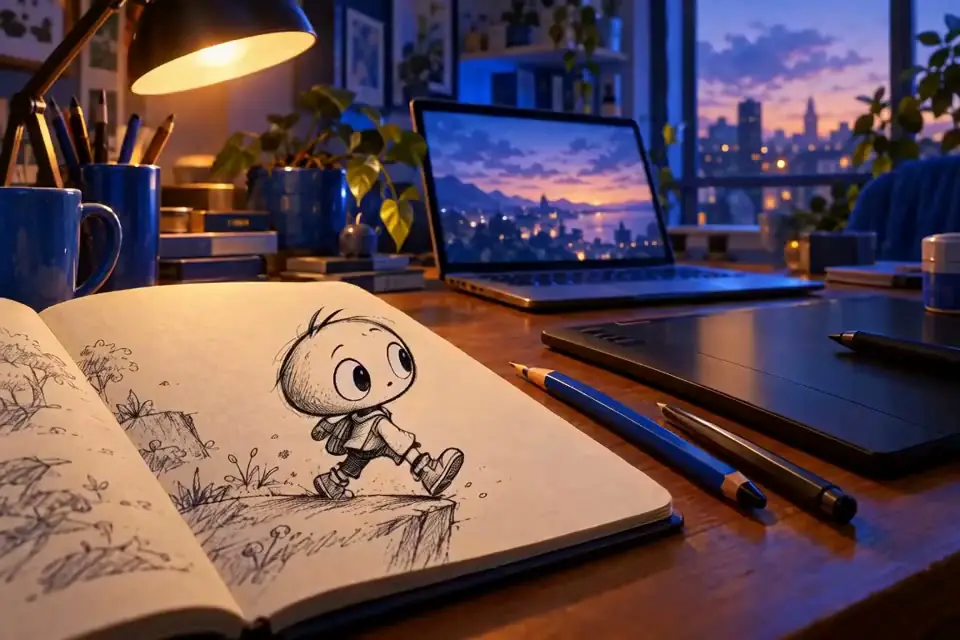
A little sketch climbs out of my notebook and explores the desk. 30 seconds, for kids.
Story and scenes approved
Character designed
Narration and music added
Animating scene 3 of 5
Scene 30:18 / 0:30
Coming soon AnimaGuru for iPhone and Android
Made in the browser
What you can make
Ads, social videos, lessons and more.
Pick a style or bring your brand. The Animator does the rest.
Ad videos
Upbeat product and promo videos in your logo, colors and fonts.
Reels, TikTok and Shorts
Vertical videos sized for social feeds, with music and voice.
Photo to video
Start from a product photo or a picture you love, and bring it to life.
Explainers and lessons
Turn a lesson, an idea or a PDF into a clear animation.
Short stories
Characters with voices, music and a plot. For kids, fans or a pitch.
Quizzes
Films that stop to ask questions. For classrooms and training.
Branching stories
Viewers choose what happens next.
Game characters
Animated characters and sprite sheets for your game.
Featured works
Made with AnimaGuru.
Stories, lessons and brand films from our public gallery. Watch one, then make your own.
Why AnimaGuru
AI video gives you a clip. AnimaGuru gives you control.
Most AI video generators make a new clip every time you ask. AnimaGuru builds your video scene by scene, so you can change one thing and keep the rest.
01The problem
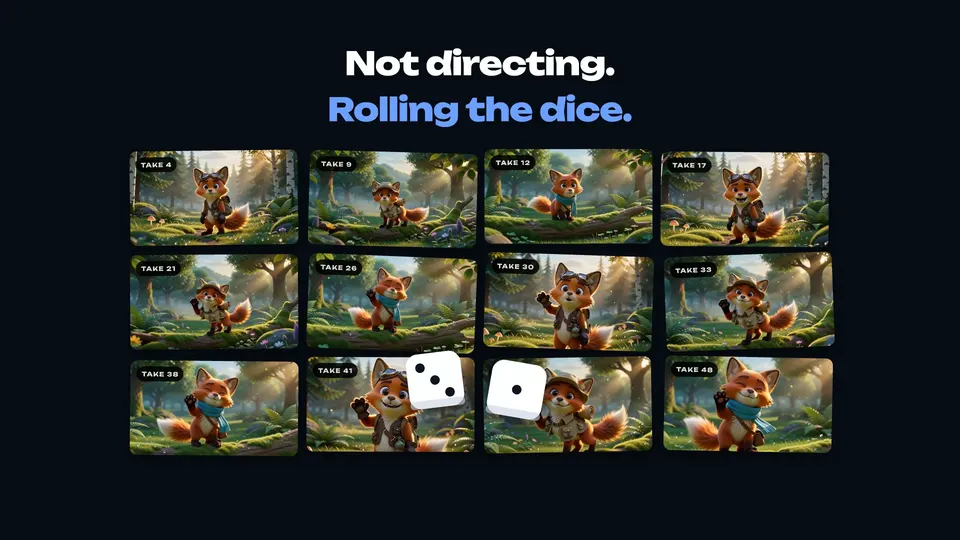
Ask again, get a different clip.
Prompt-only video tools give you a clip. Ask again and you get another one; change one detail and everything changes.
02Back in control
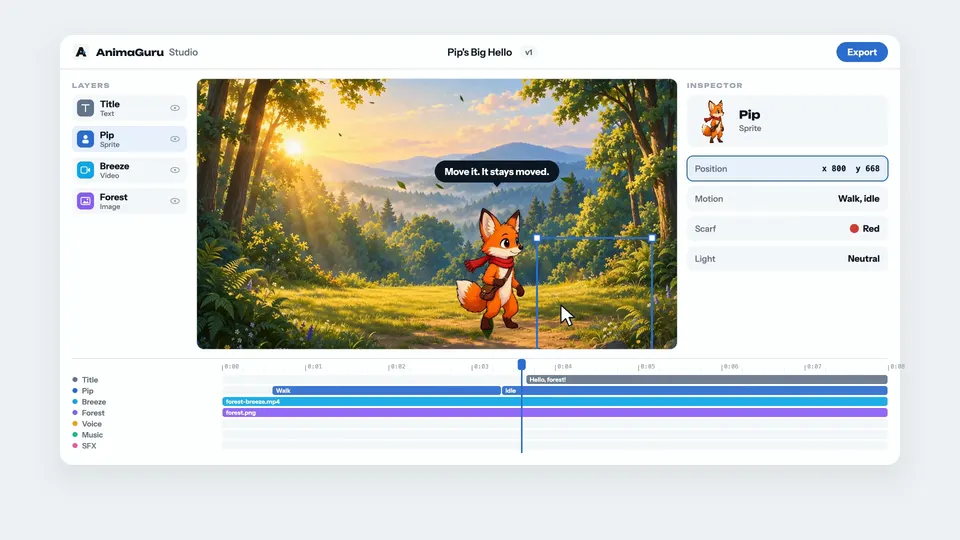
Change one thing. Keep the rest.
Every scene, layer and moment on the timeline stays where you put it, until you change it.
03Everything inside
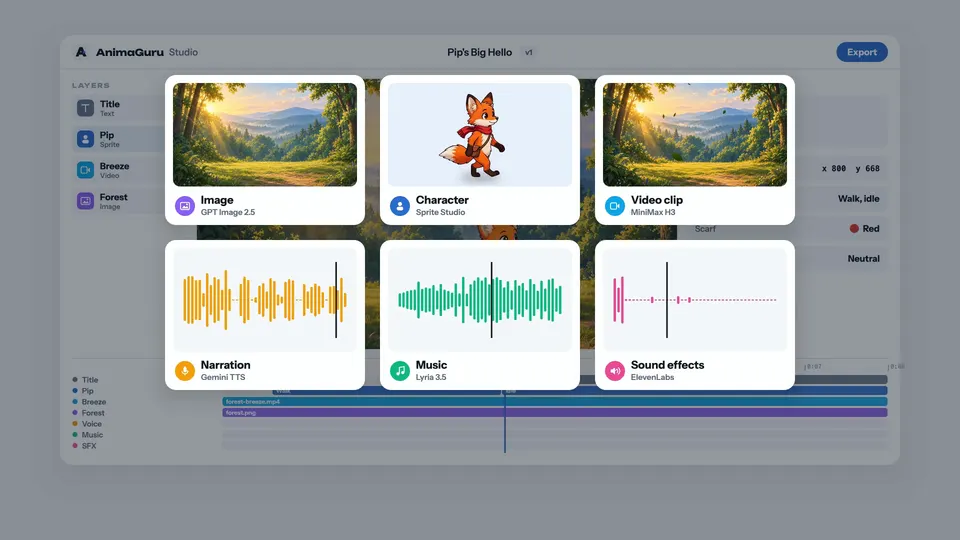
Every piece, made for the scene.
Images, characters, video clips, voice, music and sound effects, all generated for the scene they belong in.
04AI directs, you approve
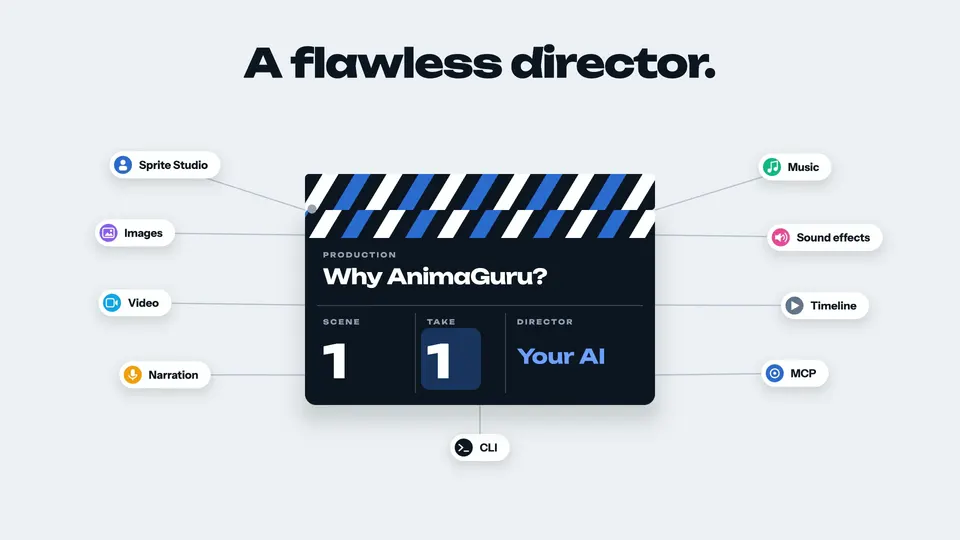
An AI director that checks its work.
The Animator, or your own ChatGPT or Claude, plans each scene, builds it and checks every frame. Nothing is final until you approve it.
Meet the Animator
From one sentence to a finished film.
The Animator is your AI director. It asks questions, shows you a plan and builds each scene for you to review.
It can start this simply
“A product ad for our new running shoe. Bold, upbeat, 20 seconds.”
You can attach images, MP4 clips or a PDF.
01
Describe it.
Type your idea. Add images, MP4 clips or a PDF if you have them.
02
Plan it together.
The Animator asks about the story and style, then shows its plan. Nothing is built until you approve it.
03
Watch it build.
It designs the characters, animates each scene and adds voice, music and sound, checking every frame.
04
Approve and share.
Ask for changes in plain words, then approve. Export it as interactive HTML5 or as an MP4.
Save your logo, colors and fonts once. The Animator can use them in any film.
Either way, what you generate (images, characters, video, voice, music and sound) uses credits. In the browser, the Animator's own work uses credits too, within limits you set. Every plan includes monthly credits.
Coming soon to iPhone and Android
Your studio, in your pocket.
Start a film the moment an idea strikes. Whatever you start on your phone is waiting in your browser.
Ad videos, Reels and TikTok videos, explainers and lessons, short stories, quizzes and game characters. Describe what you need, or start from your own photos, and the Animator turns it into an animated video with voice, music and sound.
Do I need design or video skills?
No. Describe your idea in plain words. The Animator asks a few questions, shows you a plan and builds each scene for you to review. Nothing is final until you approve it.
Can I start from my own photos or logo?
Yes. Attach images, MP4 clips or a PDF when you describe your video, and a photo can be the first frame of a video clip. Save your logo, colors and fonts once, and the Animator can use them in any film.
How do credits work?
Credits pay for what you generate: images, characters, video, voice, music and sound effects. Every account starts with 100 free credits, and you see an estimate before every job. One-time packs start at $5, and every plan includes monthly credits.
Is it really free with ChatGPT or Claude?
Yes. Connecting ChatGPT desktop, Claude, Claude Code or Codex costs nothing, and there's no subscription. You pay credits only for what you generate. Every account gets 100 free credits, and packs start at $5. Plans are optional.
Do the browser and the phone app need a plan?
Only to build. Without a plan, the Animator still plans your film with you in Standard quality, for a few credits. You can copy the finished recipe and build it with your own AI. With a plan, the Animator builds it for you in the cloud, and you get monthly credits, sync, versions and the asset library.
Can I download and share my videos?
Yes. Export any film as an interactive HTML5 ZIP, or make an MP4 of it in your browser (Chrome or Edge). Branching stories and quizzes play as HTML5. Keep finished videos in your library, private or shared.
Can I cancel my plan?
Anytime, in Manage Billing. Your plan and its credits last until the end of the period you paid for, then your account moves to Free. Credit packs and free credits stay on your account.
Your next film starts here
Describe it.
The Animator does the rest.
Start animating in your browser today, or connect your own AI for free.
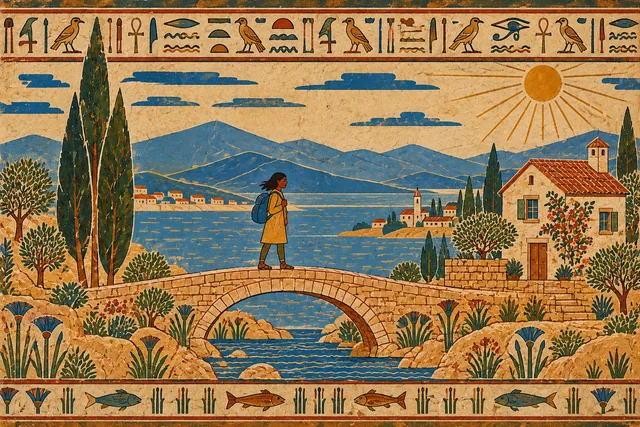
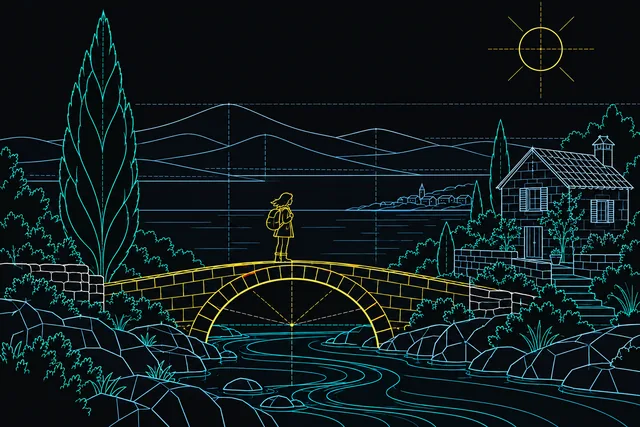
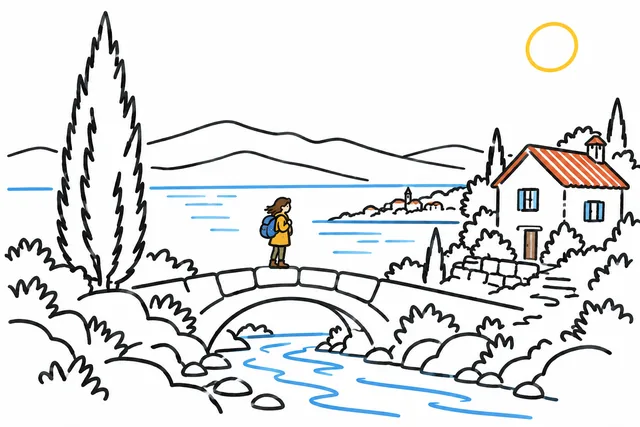
The same traveler, cottage and bridge, from Egyptian wall painting to vaporwave, plus nine styles for explainers. Pick a look and the Animator makes your film in it.
Prices exclude tax. Plans renew every month, or every year with yearly billing, until you cancel. Plan credits reset every month, don't carry over and end with the plan.
Pay as you go
No plan needed. Buy credits when you need them.
Credits pay for what you generate: images, characters, video, voice, music and sound effects. Packs work with or without a plan.